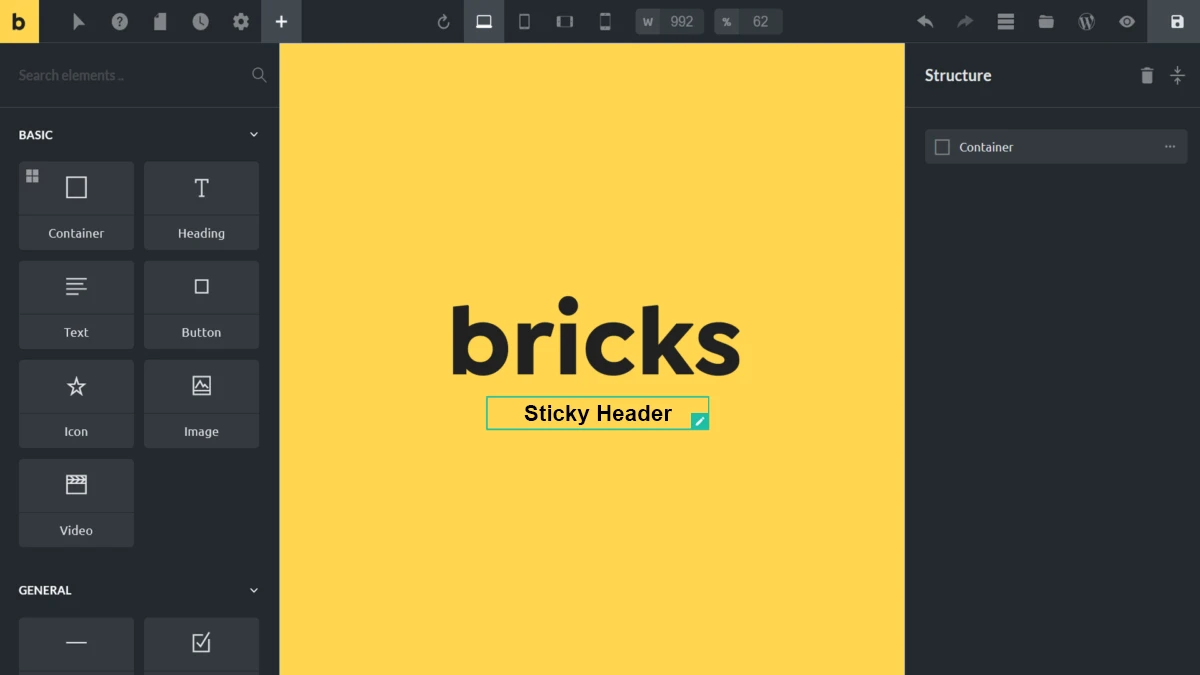
A Bricks Sticky Header can do more than simply stay fixed while visitors scroll. With a few lines of CSS, you can make the header and logo smoothly shrink as the page moves down, giving you more screen space while keeping the navigation accessible.
Bricks Builder already provides the sticky header functionality we need. The useful part is that Bricks automatically adds the .scrolling class when the header enters its sticky state, which gives us a simple CSS hook for changing the header size, logo width, padding, and other styles.
In this article, I’ll show you how I use that class to create a smooth shrinking sticky header in Bricks Builder without an additional plugin or JavaScript.
Table of Contents
How Bricks Sticky Header Works
When a header becomes sticky, Bricks automatically adds the .scrolling class to the header element.
This allows us to target the sticky state with custom CSS and apply different styles when visitors scroll down the page.
Step 1: Identify Your Header and Logo IDs
Assign IDs to the elements you want to modify.
For this example:
- Header Container ID:
masthead - Logo ID:
masthead-logo
Your IDs may be different, so adjust the CSS accordingly.
Step 2: Add Smooth Transitions
Add the following CSS to create a smooth animation effect.
/*css*/
#masthead, #masthead-logo {
    transition: all .3s ease;
}
Step 3: Reduce Header Size on Scroll
When the sticky header becomes active, Bricks adds the .scrolling class. We can use this state to modify the header appearance.
/*css*/
#brx-header.scrolling #masthead {
    padding: 5px 20px;
}
Adjust the padding values to suit your design.
Step 4: Resize the Logo
To make the logo smaller when scrolling:
/*css*/
#brx-header.scrolling #masthead-logo {
    width: 120px;
}
Modify the width as needed for your branding.
Optional: Move the Header Up Slightly
If you want the sticky header to sit higher on the page, you can use:
/*css*/
#brx-header.scrolling {
    transform: translateY(-40px);
}
Adjust the value to achieve the desired effect.
Complete Example
/*css*/
#masthead, #masthead-logo {
   transition: all .3s ease;
}

#brx-header.scrolling #masthead {
   padding: 5px 20px;
}

#brx-header.scrolling #masthead-logo {
   width: 120px;
}

#brx-header.scrolling {
   transform: translateY(-40px);
}
Final Thoughts
The .scrolling class remains one of the simplest and most effective ways to customize sticky header behavior in Bricks Builder. By combining CSS transitions with Bricks’ built-in sticky header functionality, you can create professional scroll effects without additional plugins or JavaScript.
This technique has been tested with recent versions of Bricks Builder and continues to work reliably for creating shrinking headers and logo animations. You’re already seeing it in action—the header on this page uses the same shrinking sticky header effect described above.
Have questions, suggestions, or a different approach? Feel free to share your thoughts in the comments below—I’d love to hear how you’re using Bricks Builder in your projects.