
I started building websites when writing the code yourself was simply what web development meant. PHP handled the server-side work, HTML gave the page its structure, CSS handled the presentation, and JavaScript added interaction. If a site needed a content section, an enquiry form, a login or an admin screen, I could build it.
I still can. But being able to build every part from scratch does not mean that doing so is the best decision for every project.
Over time, WordPress became my standard starting point for most business websites. That was not a move away from development. It was a practical decision based on project budgets, delivery speed, content management, maintenance and what clients actually need after launch.
When people compare a WordPress vs custom website, the discussion often becomes too simplistic. WordPress is described as the easy option, while a custom website is treated as the serious developer option. In my experience, that is the wrong comparison.
The Real Question Is Not Whether I Can Code It
A completely custom website gives you control. You decide the application structure, database design, routing, authentication, administration screens and deployment workflow. For the right project, that control is valuable.
The problem is that a large percentage of business websites need the same foundations. They need pages, posts, media management, user roles, clean URLs, forms, SEO controls, revisions, backups and a straightforward way for a client to edit content.
Building those foundations again is rarely where the project creates value. The client is not paying because I wrote another media library or content editor. The client is paying for a website that communicates clearly, generates enquiries and remains manageable after I hand it over.
This changed how I evaluate technology. I no longer ask, ‘Can I build this from scratch?’ I ask, ‘Which parts are genuinely unique, and where should the project budget be spent?’
What Building From Scratch Really Includes
A custom-coded front end can look deceptively simple. A few page templates, a stylesheet and some JavaScript may be enough for the public-facing pages. The workload changes as soon as the client needs to manage the site.
Now the project needs content models, database migrations, validation, authentication, permissions, image uploads, revision handling, password resets, security updates and an administration interface. It also needs documentation so someone other than the original developer can work with it later.
None of this is impossible. I have worked with these technologies for years. The issue is whether rebuilding that infrastructure is justified for a marketing website, company site, publication or lead-generation project.
For most of those projects, WordPress already provides a mature content management foundation. I can spend more time on information architecture, performance, accessibility, search visibility and the custom functionality that makes the website useful.
Why WordPress Became the Practical Choice
The biggest advantage is not that WordPress lets me avoid code. It lets me choose where code is worth writing.
I can create structured content with custom post types and fields, control permissions, build reusable templates and integrate third-party services without first creating an entire CMS. If a requirement is specific to the client, I can still build it as a focused custom plugin.
I personally prefer custom plugins over placing project logic in functions.php. A plugin keeps functionality separate from the theme or builder, makes the code easier to reuse and reduces the risk of losing important behaviour during a design change.
If you would like to move your custom functionality out of functions.php, I have written a practical guide that walks you through the process: How to Create Your First WordPress Plugin (Beginner’s Guide)
That combination has become my standard workflow: use WordPress for the proven platform-level work, then use PHP, CSS and JavaScript for the parts where custom development adds a clear benefit.
Clients Need a Website They Can Actually Operate
A website is not finished when it goes live. Someone needs to update services, publish articles, replace team members, change contact details and respond to new marketing requirements.
A custom administration system can provide exactly the editing experience a client needs, but it also has to be designed, built, secured, tested and maintained. On many projects, WordPress gives the client a familiar and well-supported editing environment immediately.
This matters during handover. Clients should not need a developer for every text change, and developers should not become the permanent bottleneck for routine content work. A sensible WordPress setup allows me to give clients useful control while protecting the parts of the site they should not accidentally break.
The result is usually a better long-term relationship. I can focus on improvements, integrations and growth instead of charging for small content edits that the client can safely handle.
WordPress Does Not Remove the Need for Development
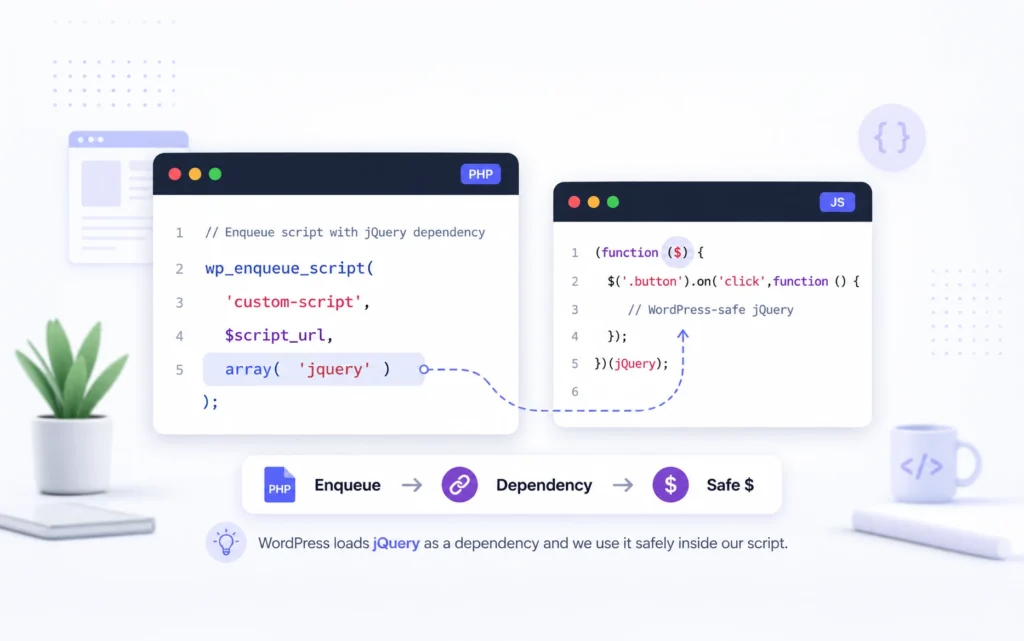
WordPress projects can still require serious development. I regularly use PHP for custom functionality, CSS for design systems and responsive behaviour, and vanilla JavaScript or jQuery for interactions that do not need a large dependency.
The difference is that the code has a narrower and more useful responsibility. Instead of building a CMS before I can build the website, I extend an existing platform around the project’s real requirements.
This also encourages reusable solutions. A well-structured plugin can move between projects, be version-controlled and be tested independently. That is much healthier than scattering snippets across a theme and hoping someone remembers why they exist two years later.
Where Elementor, Oxygen and Bricks Fit Into My Workflow
My WordPress workflow has evolved through several visual builders. I have used Elementor extensively, including its Theme Builder and dynamic content tools. It played an important role in showing how much faster layout and content work could become without giving up the option to add custom code.
I have also worked with Oxygen and hold developer access for both Oxygen Classic—commonly known through the Oxygen 4 generation—and the newer Oxygen 6. Oxygen 6 is a ground-up rewrite, and the current official lifetime offering includes both Oxygen Classic and Oxygen 6. That developer-focused approach to HTML and CSS is one reason Oxygen has appealed to developers.
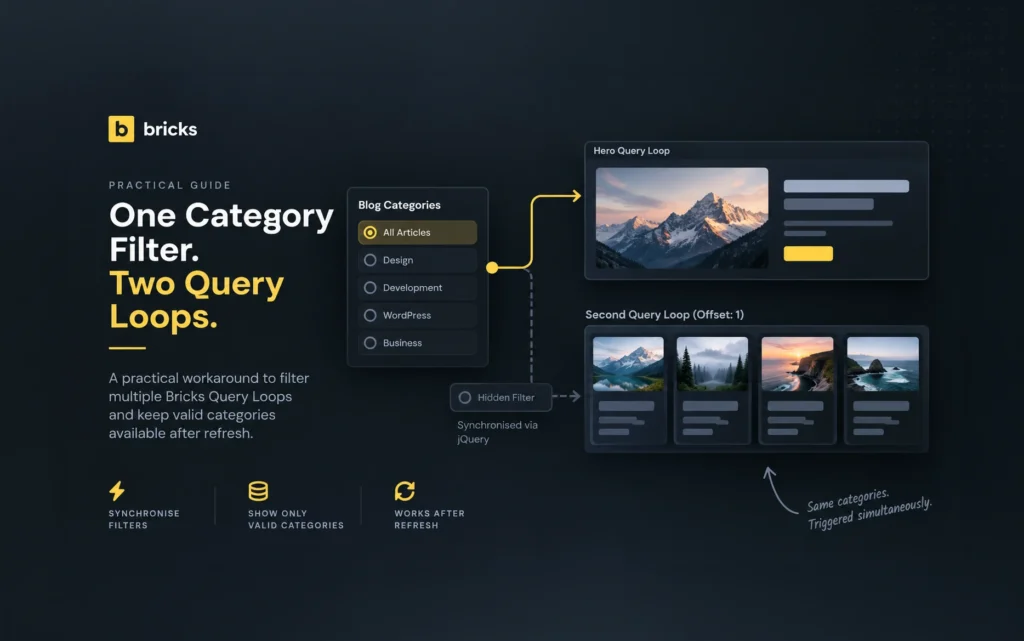
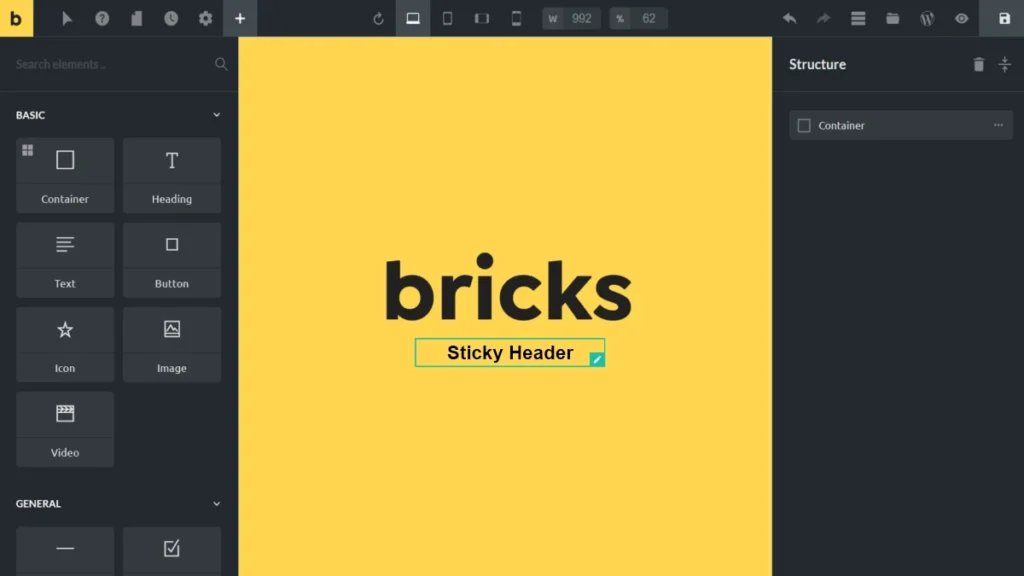
Today, I primarily build with Bricks, and I have a lifetime Bricks license. It fits the way I prefer to combine visual development with structured data, custom CSS, JavaScript and PHP when a project needs it.
The specific builder is not really the point here. Elementor, Oxygen and Bricks are tools inside a WordPress workflow. I use a visual builder for the work it handles efficiently, then write code when code gives the project something the builder should not be responsible for.
Speed Is About More Than Finishing the First Version
WordPress can reduce initial development time, but the larger benefit is the speed of future change. A business website rarely stays exactly as it was on launch day.
New landing pages, campaigns, staff profiles, case studies and integrations arrive later. A structured WordPress site gives me a predictable way to add those features without reopening every architectural decision.
This does not mean installing a plugin for every request. Too many overlapping plugins can create performance, security and maintenance problems. I prefer a small, deliberate stack and custom code where it produces a cleaner result.
In my experience, the best WordPress sites are not assembled from dozens of shortcuts. They are engineered with the same care as custom applications, but they start from a platform that has already solved the common CMS problems.
Maintenance and Security Still Require Discipline
WordPress is not automatically easier to maintain. Its popularity also makes poorly maintained sites attractive targets. Core, plugins and themes need updates; unused components should be removed; backups must be tested; administrator access should be protected; and custom input must be validated, sanitised and escaped correctly.
A custom website has security responsibilities too. In fact, the developer becomes responsible for more of the stack, including authentication, authorisation, dependency updates and every custom administrative feature.
The comparison is not ‘WordPress has maintenance and custom code does not.’ Both require ongoing work. The difference is that WordPress has an established update ecosystem and a large pool of developers who understand the platform.
My preference is to keep the installation lean, use reputable extensions, review permissions carefully and keep project-specific logic in maintainable plugins. WordPress is dependable when it is treated as professional software rather than a collection of random add-ons.
When a Custom Website Is the Better Choice
There are projects where I would not recommend WordPress. A highly specialised web application, a real-time collaborative system, a product with unusual data relationships or a service with demanding scaling requirements may need a custom architecture.
A custom build can also make sense when the application itself is the business, rather than the website supporting the business. In that situation, the team may need complete control over the domain model, infrastructure, deployment and testing strategy.
Even then, the decision should come from requirements rather than status. Custom code is not automatically faster, safer or more professional. It simply moves more responsibility to the development team.
For a typical company website, professional services site, content publication or lead-generation project, I have found that WordPress usually provides the better balance of flexibility, cost and long-term ownership.
Common Mistakes in a WordPress vs Custom Website Decision
The first mistake is choosing a platform before understanding who will maintain the site. A developer may enjoy a custom stack, but the client may need a familiar editor and access to a wider support market.
The second is treating WordPress as a no-code shortcut. Poor content structure, weak performance decisions and careless plugin selection will still produce a poor website.
The third is paying for custom infrastructure that users never see and the business never benefits from. Technical freedom is useful only when it solves a real constraint.
The fourth is assuming that using a visual builder means the project cannot include good code. The quality of the outcome depends on the developer’s decisions: semantic structure, reusable classes, accessible interactions, sensible queries and maintainable custom functionality.
My Standard Workflow Today
I start by defining the content, users, business goals and integrations. If WordPress fits those requirements, it becomes the foundation. I then choose a small set of reliable tools, create the content structure and build the front end—usually with Bricks for my current projects.
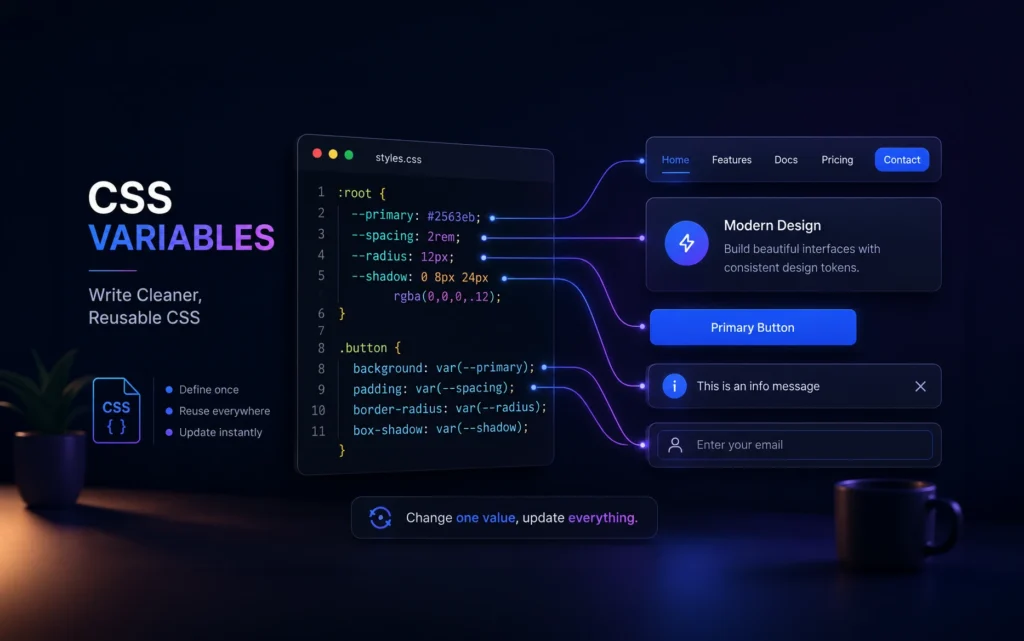
When a requirement belongs in code, I write it. PHP goes into a purpose-built plugin, CSS follows a reusable system, and JavaScript is added only where it improves the experience. I test the editing workflow as carefully as the public pages because the client will live with that side of the website for years.
This approach is not as dramatic as claiming that one platform is always better. It is simply a workflow built from experience. WordPress handles the parts it has already solved well, and I spend my development time on the parts that are specific to the project.
Final Thoughts
Choosing WordPress did not mean giving up PHP, HTML, CSS or JavaScript. It meant becoming more selective about where I use them.
When I compare a WordPress vs custom website for most client projects, WordPress usually gives the business a stronger starting point: a mature CMS, a manageable handover, an established ecosystem and plenty of room for custom development.
I still appreciate the control of a custom build, and I will recommend one when the requirements justify it. But I no longer build everything from scratch just to prove that I can. I would rather use the client’s budget to solve the problems that make their website different.
If you work with WordPress or build custom sites, I would be interested to hear where you draw that line. The most useful answers usually come from the projects that changed our minds.
FAQs
It depends on the project. WordPress is usually a strong fit for business websites, publications and lead-generation sites that need a manageable CMS. A custom application may be better when the product has specialised data, workflows or scaling requirements.
It can be, but custom code is not automatically fast. Performance depends on architecture, queries, assets, hosting and ongoing maintenance. A lean, well-built WordPress site can perform extremely well.
Yes. Professional WordPress work regularly involves PHP, databases, APIs, security, accessibility, performance and deployment. Using an established CMS is an engineering decision, not an absence of development.
Yes. Custom plugins can add business-specific functionality while keeping it separate from the theme or page builder. The important part is deciding what belongs in WordPress, what belongs in a plugin and when a separate application is more appropriate.
No. A builder can handle layout while a developer controls content structure, styling, performance, accessibility and custom functionality. The tool does not determine the quality of the implementation.
Choose a custom build when the application has requirements that do not fit a CMS comfortably, when complete architectural control is essential, or when the software itself is the primary product.
Useful Resources
If you want to explore the platforms and development practices discussed in this article, these official resources are good starting points:
- WordPress Documentation — Guides covering publishing, media management, users, maintenance, security and everyday site administration.
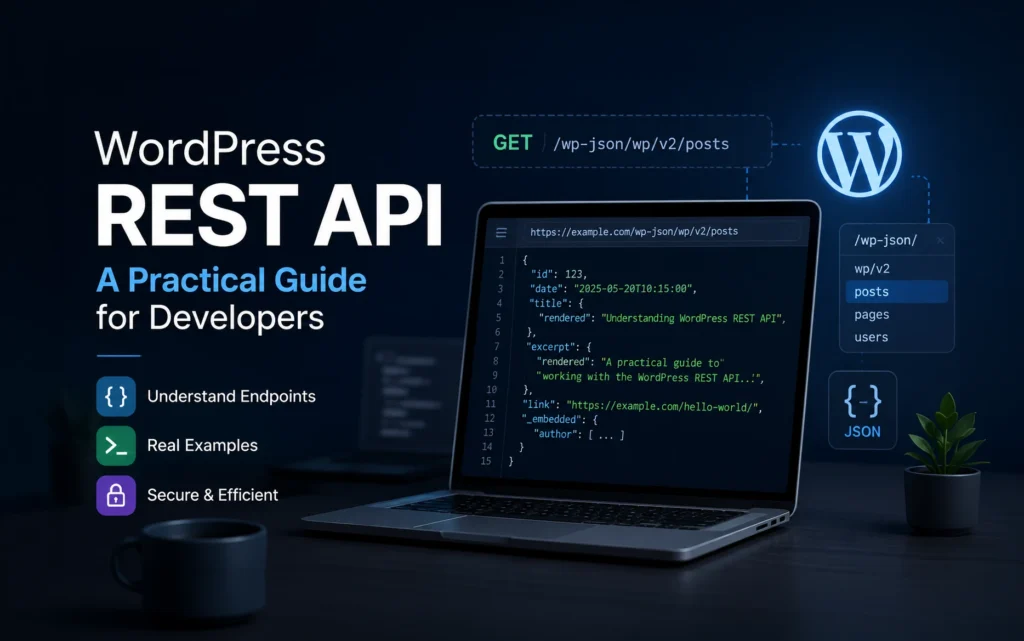
- WordPress Developer Resources — The main technical reference for developers building themes, plugins, REST API integrations and custom WordPress functionality.
- WordPress Plugin Developer Handbook — Explains how to organise custom functionality as plugins instead of placing project logic in a theme’s
functions.phpfile. - WordPress Security Handbook — Practical guidance on validating and sanitising input, escaping output, checking permissions and using WordPress security APIs correctly.
- WordPress PHP Coding Standards — The official coding conventions for PHP used in WordPress projects.
- Bricks Academy — Official Bricks documentation covering templates, responsive design, query loops, components, dynamic content and developer features.
- Bricks Dynamic Data Documentation — Explains how Bricks connects templates and elements to WordPress posts, taxonomies, users and custom fields.
- Bricks Code Element — Official documentation for adding PHP, HTML, CSS and JavaScript through the Bricks Code element, including its execution permissions.
- Elementor Dynamic Content and Post Types — A useful overview of Elementor’s Theme Builder, custom post types, custom fields and dynamic content workflow.
- Oxygen 6 Documentation — Official documentation for the rewritten Oxygen builder, including templates, components, variables, dynamic data, conditions and developer tools.
- Oxygen 6 Release Announcement — Background on the ground-up Oxygen 6 rewrite and its developer-focused direction.