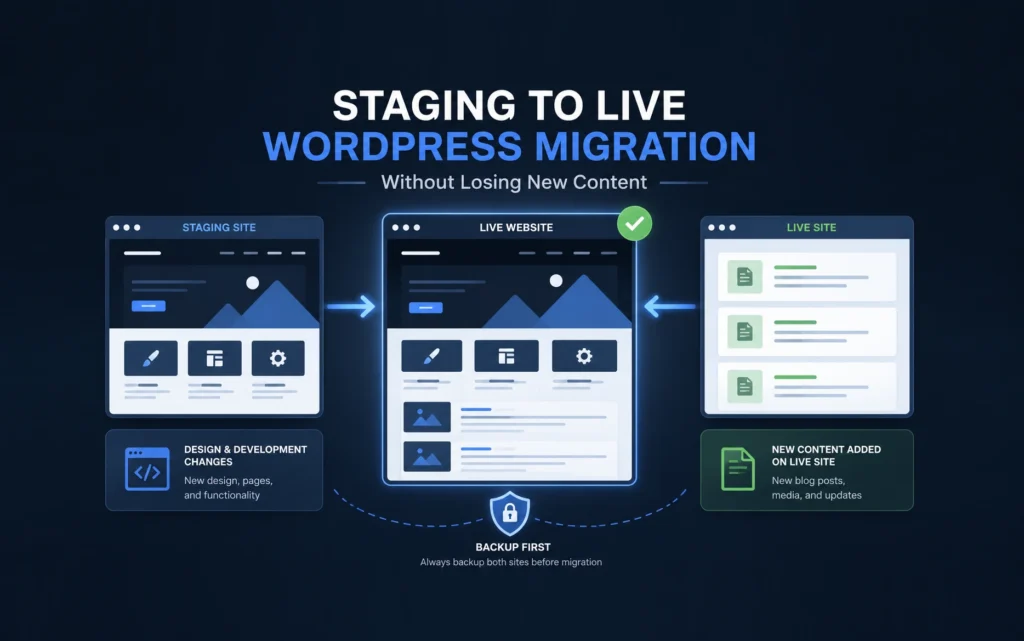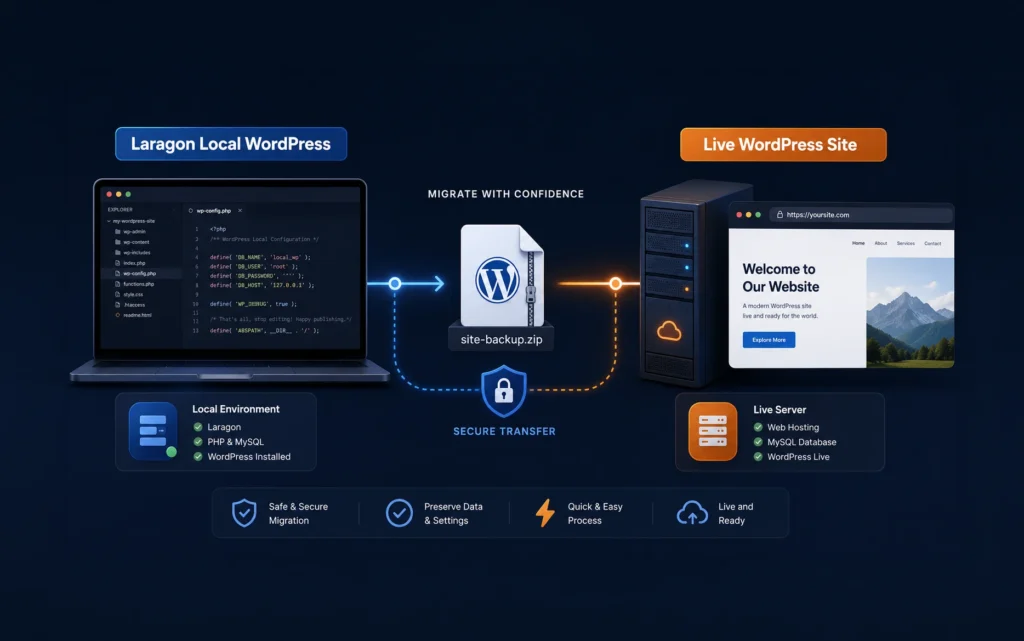
Recently, I migrated a WordPress website built with Bricks Builder from my local development environment to a GoDaddy Shared Hosting account.
The migration itself went smoothly. The website loaded correctly, pages displayed as expected, and there were no obvious issues on the front end.
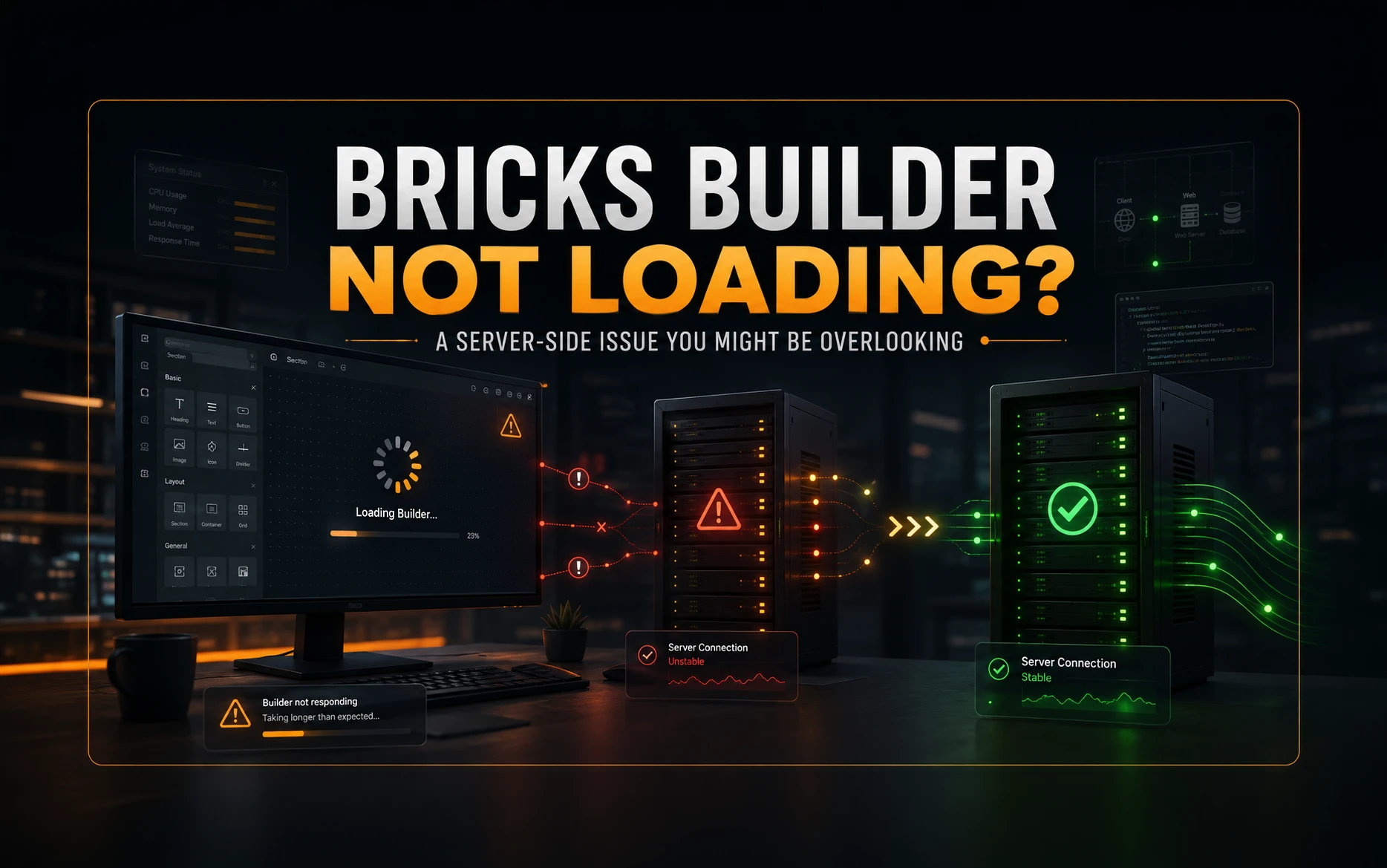
However, when I tried to edit a page using Bricks Builder, the editor refused to load properly and opened the front-end page.
Sometimes it would keep loading indefinitely. Other times it would fail to open completely. Since the front end of the website was working, I knew the problem was specific to the builder.
The Usual Troubleshooting Steps
Like most developers, I started with the common fixes first.
I checked:
- PHP version compatibility
- PHP memory limits
- WordPress memory limits
- Plugin conflicts
- File permissions
- Cache plugins
- Security plugins
I increased memory limits and cleared all caches, but nothing changed.
The front end continued to work perfectly while Bricks Builder remained unusable.
Checking the Browser Console
The next step was opening Chrome Developer Tools and inspecting the Network tab.
This is often where the real clues appear.
I noticed that some requests related to the Bricks editor were failing. Instead of returning the expected response, the server was interrupting the request before Bricks could process it correctly.
At this point, I stopped looking at WordPress and started looking at the server.
The Real Cause
After digging through various forum discussions and server-related documentation, I came across an Apache directive called:
SubstituteMaxLineLength
This directive controls the maximum line length that Apache can process when performing content substitution.
Normally, this isn’t something WordPress developers ever need to think about.
However, page builders such as Bricks can generate very large HTML responses, especially on complex pages containing many elements, dynamic content, templates, and builder settings.
If the response exceeds Apache’s configured limit, it can cause requests to fail unexpectedly.
The symptoms can include:
- Bricks Builder not loading
- Builder loading forever
- Failed AJAX requests
- Blank editor screens
- Save operations not working correctly
The Fix
The solution turned out to be surprisingly simple.
I added the following line to my .htaccess file:
SubstituteMaxLineLength 10M
After saving the file and refreshing the site, Bricks Builder started working immediately.
No plugin changes.
No WordPress changes.
No PHP changes.
Just a single Apache directive.
Why This Works
Bricks Builder often sends and receives large amounts of HTML and JSON data while editing pages.
By increasing the maximum line length to 10MB, Apache can process those larger responses without truncating or interrupting them.
In my case, this removed the bottleneck that was preventing the builder from loading correctly.
Other Settings I Checked
Although they weren’t responsible for the issue, I also verified the following settings during troubleshooting:
memory_limit = 512M
max_execution_time = 300
max_input_vars = 5000
post_max_size = 128M
upload_max_filesize = 128M
And in WordPress:
define('WP_MEMORY_LIMIT', '512M');
These are still worth reviewing if you’re experiencing performance or builder-related issues.
Lessons Learned
This experience reminded me that not every WordPress problem is actually a WordPress problem.
When a page builder suddenly stops working after a migration, it’s easy to focus entirely on plugins, themes, and PHP settings.
Sometimes the real issue is hiding at the server level.
A single Apache directive ended up solving a problem that initially looked far more complicated.
Final Thoughts
If Bricks Builder is not loading on your GoDaddy Shared Hosting account and you’ve already ruled out plugin conflicts, caching issues, and PHP limits, it may be worth investigating your server configuration.
For me, adding:
SubstituteMaxLineLength 10M
to the .htaccess file solved the issue immediately.
It’s a simple fix, but one that can save hours of unnecessary troubleshooting.
Have you run into a similar issue with Bricks Builder after migrating a website? Share your experience in the comments below. It might help another developer avoid the same headache.